Your whole practice,
in one place.
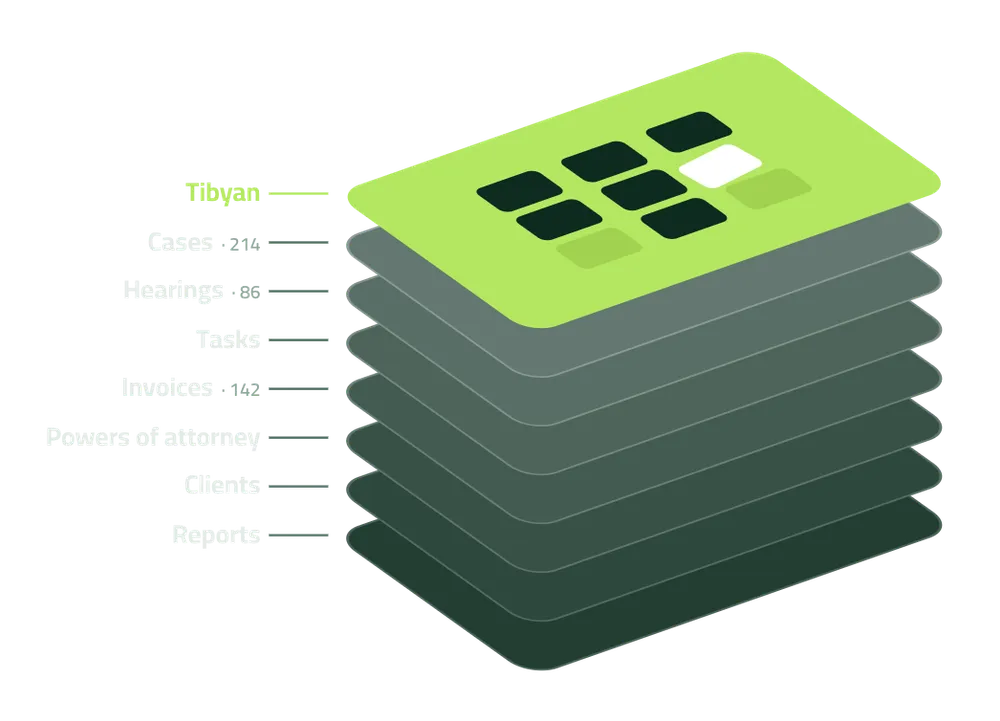
Tibyan is a practice management system for law firms. Cases, hearings, tasks, clients, powers of attorney, invoices and accounts, in one system, Arabic first.
- One office or many branches
- Double-entry accounting
- Portals for lawyers and clients
Built for the office
Cases, appointments, client files and invoices in one system. Enter a fact once, and find it wherever you need it.
Built for the lawyer
Every lawyer opens their own hearings, tasks and cases, and finds the day’s schedule in their inbox each morning.
Built to be trusted
Every screen is governed by permissions, and every record keeps who created it and who changed it. Nothing in the books is edited out of sight.
Every case and every riyal, in one system.
The partner, the lawyer, the accountant and the client work from the same record, each through their own view.
- Enter a fact once, and find it wherever you need it.
- A fully Arabic, right-to-left interface, with English one click away.
- One office or several branches, each with its own letterhead, logo and VAT number.
- Real double-entry accounting behind every invoice, receipt and expense.
The calendar says one thing. The court said another.
Hearings in a shared calendar, fees in another file, documents in a colleague’s inbox, and the client’s latest news on one lawyer’s phone.
The usual fix is a weekly meeting and a group chat: hearings recalled from memory, invoices chased by phone, and a client calling to ask what happened before anyone has written it down. A calendar you cannot trust is not a calendar you can run an office on.
Illustrative · demo data
Three steps, and nothing written twice.
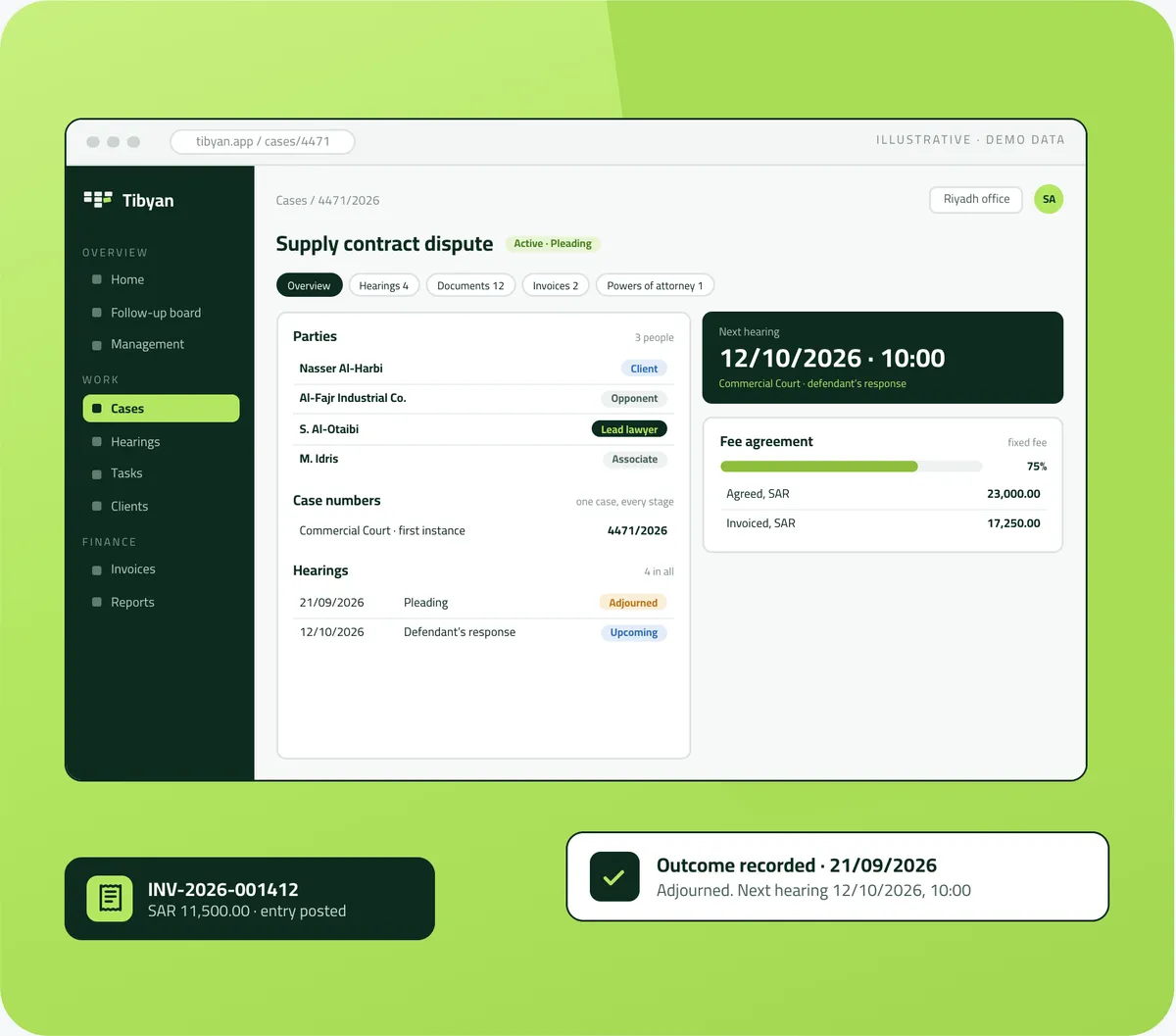
Open the case, follow the dates, record what happened. Tibyan links each step to the next: the hearing to the calendar, the fees to the invoice, and the invoice to the books.
The case file
The parties, clients and opponents alike, the team of lawyers on it, its numbers at each court and its fee agreement, all in one file. The agreement prints straight from your office’s template.
The calendar
Hearings, tasks, meetings and consultations in one calendar. Record a hearing’s outcome, and if it was adjourned, set the next date in the same moment.
The books
Issue the agreed fee invoice, record the receipt, charge the expense to the client. Every document posts its journal entry the moment it is saved.
Underneath it all is one record. The case in the office register is the same case on the lawyer’s phone, in the client portal and in the morning agenda email. Permissions decide who sees what.
What Tibyan changes in your office.
Your time, your clients, your team, your finances, and Najeeb. Each chapter has a short film, narrated in Arabic, and a page of its own.
 Film · 48s 01 · Your time
Cases & hearings
Every minute you spend following up on admin is a minute taken from your professional time.
Watch and read more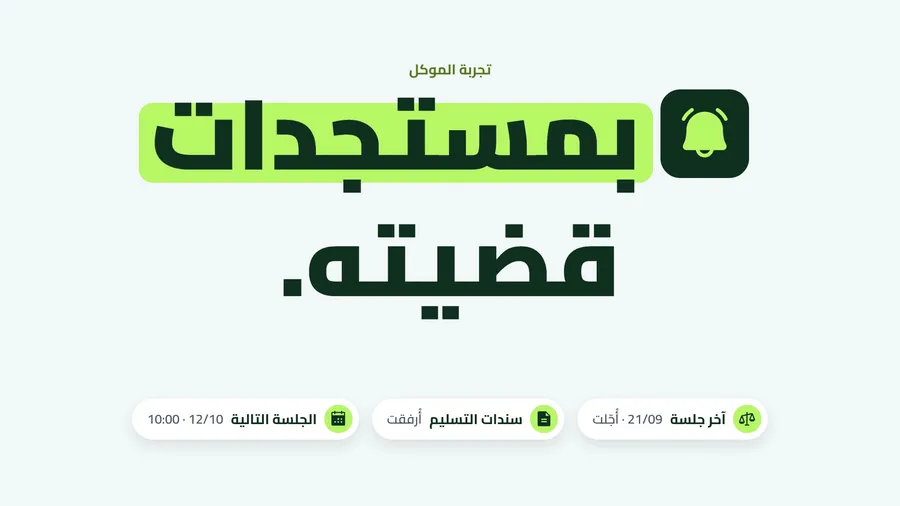 Film · 47s 02 · Your clients
Client portal
Your client is not only waiting for the result… they expect to be kept up to date on their case.
Watch and read more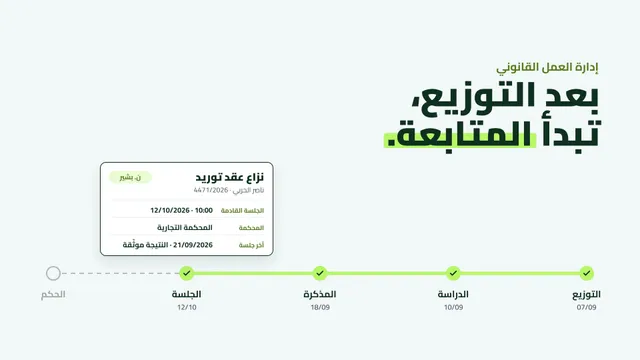 Film · 52s 03 · Your team
Management dashboard
Managing legal work does not stop at assigning cases… it starts with being able to follow every detail of them.
Watch and read more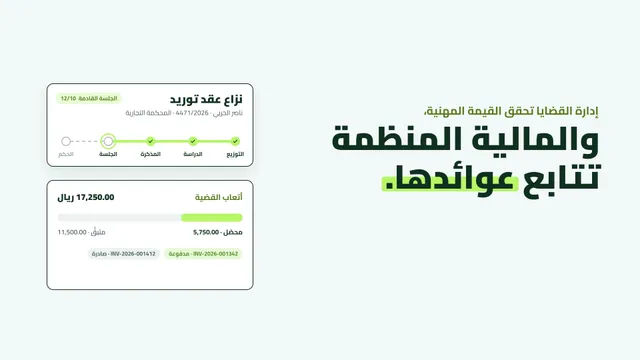 Film · 49s 04 · Your finances
Finance & invoicing
Managing cases creates professional value… and organised financial management helps you follow its returns.
Watch and read more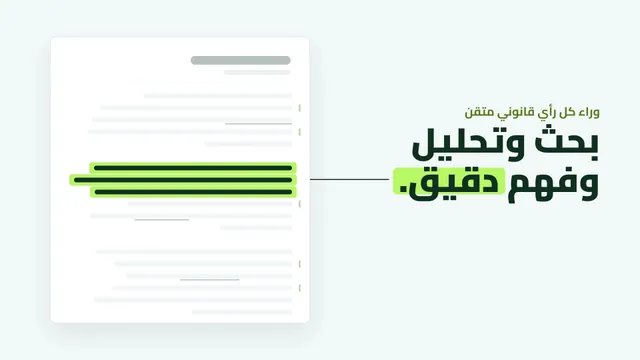 Film · 46s 05 · Najeeb
Najeeb
Behind every well-crafted legal opinion… research, analysis and a precise understanding of the question.
Watch and read moreSix things every office forgets, and won’t any more.
Nobody needs to keep a list of what is late. Tibyan reads it straight from the records, so the managing partner and the legal assistant see the same list.
Held, and nobody wrote down what was decided.
Past their date and not yet done.
The meeting happened and nothing was recorded.
An active case with no next hearing in the calendar.
Issued, unpaid and past their due date.
Lapsing within the next 30 days.
Three doors, one record.
The office, the lawyer and the client each have their own way in, and each sees what their work needs.
The office system
Every record, report and setting, for partners, lawyers, accountants and staff, each according to their role.
- Cases, appointments and client files
- Finance and accounting
- The management dashboard
- Roles, templates and settings
The lawyer portal
A lawyer’s own hearings, tasks, meetings and cases, designed for the phone.
- Their calendar
- Recording outcomes
- The morning agenda email
- The follow-up board
The client portal
The client follows their own cases, hearings, invoices and powers of attorney.
- Only what the office allows
- Their invoices
- Files uploaded to the office
- A separate sign-in, with verification
One record. The same case behind every door. Permissions decide who sees what.
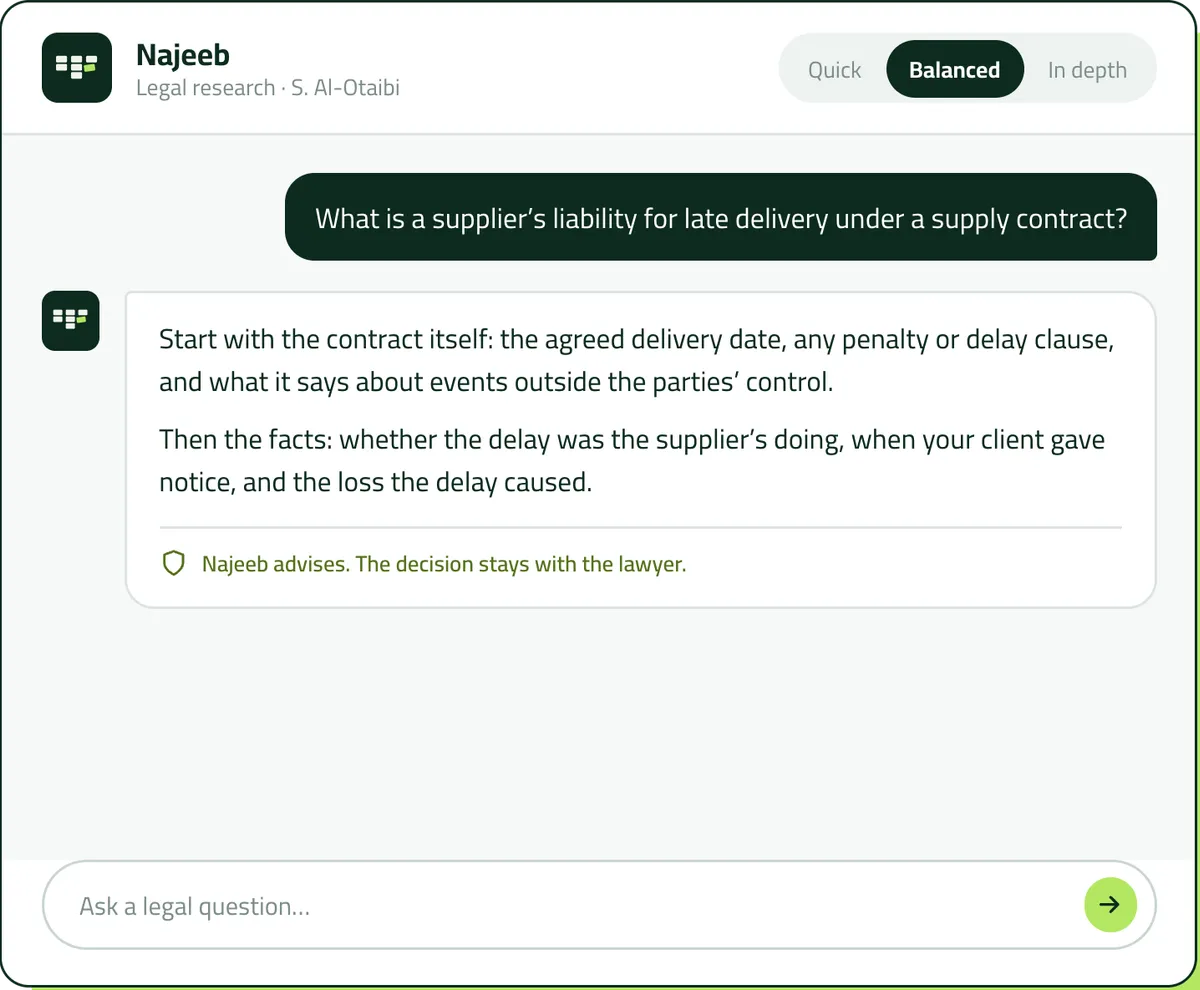
Ask Najeeb any legal question.
Najeeb is the AI legal research assistant inside Tibyan. Ask in Arabic or English, and choose the depth that suits the question.
- Quick, balanced or in depth. A quick check before a meeting, or a fuller answer to read before a hearing.
- It advises, it does not decide. Cases, hearings, invoices and the ledger stay in the hands of the people responsible for them.
- A permission like any other. Granted by role, with each lawyer’s conversations kept in their own history.
Four roles, one system.
Each role opens Tibyan to its own work, and every one of them is working from the same record.
The managing partner
A dashboard of the whole office by lawyer and branch, collections against agreed fees, and the outstanding work and who owns it.
The lawyers
Their week on their phone, the outcome recorded as soon as the online session ends, and the day’s agenda in their inbox.
Finance and accounts
Invoices, receipts and expenses that post their own entries, a trial balance, and a client statement that agrees with the ledger.
Office management
One calendar for the whole office, administrative work broken into tasks, and powers of attorney tracked until they expire.
- Law firms
- Multi-branch firms
- Independent lawyers
- Legal consultancies
- Arabic first, English ready
The software is the easy part.
An office does not move to a new system by installing it. It moves when its people are at home in it, and that is the part we work on with you.
-
From Riyadh
A Saudi company and a Saudi team. Setup, training and support in Arabic.
-
One accountable party
The system, the setup and the training are all Wathib’s responsibility. One company, not a supplier for each layer.
-
Arabic from the first screen
Right-to-left was a requirement from the start, not a translation pass, and English is one click away.
-
One office first
Start with a single office. Each branch after it opens with its own letterhead, logo and VAT number, on the same record.
Frequently asked questions
What law firms ask us most about Tibyan, its features and how to start.
What is Tibyan? +
Tibyan is a practice management system for law firms. It brings cases, hearings, tasks, clients, powers of attorney, invoices and accounts into one place, so the managing partner, the lawyer, the accountant and the client all work from the same record, each through their own view.
Who is Tibyan for? +
Law firms, multi-branch firms, independent lawyers and legal consultancies: the managing partner, the lawyers, finance and accounts, and office management, each with their own view of the same record.
Is the interface fully Arabic? +
Yes. Tibyan is Arabic from the first screen, right to left, and English is one click away for the team that needs it.
Does Tibyan work for firms with several branches? +
Yes. Start with a single office. Each branch after it opens with its own letterhead, logo and VAT number, on the same record, and each branch’s profit can be read on its own.
Who decides what each person can see? +
The office. Every screen is governed by permissions, every record keeps who created it and who changed it, and amounts appear only to those allowed to see them.
Can I record a hearing’s outcome and set the next hearing in one step? +
Yes. The outcome is written on the hearing itself, and if it was adjourned the next hearing is set from the same window, so it goes straight into the calendar and the case never drops out of the diary.
More on Cases & hearingsWhat does the client see in the portal? +
Their cases with their hearings, meetings and case numbers, their issued invoices, and the files the office shares with them, all within what the office allows.
More on Client portalHow does Tibyan know what is late? +
It reads it straight from the records: hearings held with no outcome, tasks past their date, meetings with nothing recorded, active cases with no next hearing, overdue invoices, and powers of attorney lapsing within 30 days. Nobody sets a late status by hand.
More on Management dashboardIs Tibyan full accounting or just invoicing? +
Tibyan has double-entry accounting: a chart of accounts, a journal and a general ledger. Every invoice, receipt, expense and income posts its entry the moment it is saved, and reports read straight from the ledger.
More on Finance & invoicingDoes Tibyan support e-invoicing? +
Tax invoices carry a QR code, in line with the first phase of ZATCA’s e-invoicing requirements.
More on Finance & invoicingWhich languages can I ask Najeeb in? +
Arabic or English, and you choose the depth of the answer: quick, balanced or in depth.
More on NajeebWho sets it up and trains our team? +
Wathib. The system, the setup and the training are all Wathib’s responsibility, from a Saudi team in Riyadh, in Arabic. You deal with one company, not a supplier for each layer.
How do we start? +
Send us a list of your open cases and a week of your calendar. We will set Tibyan up with your team and show you that week as they would have lived it. Write to hala@tebyan.sa.


You argue the case.
Tibyan follows it up.
Start with one office, then every branch. Send us a list of your open cases and a week of your calendar. We will set Tibyan up with your team and show you that week as they would have lived it.
- 01 You send
A list of your open cases and one week of your calendar.
- 02 We set up
Tibyan with your team, your letterhead and your templates, in Arabic.
- 03 You see
That week as your team would have lived it in Tibyan.